Platforms

Meta Trader 4

The Original Trading Powerhouse

We’ve combined the world's most popular trading platform with our market leading pricing and execution for an unrivalled trading experience. Experience MT4 the way it was meant to be : low costs and global market access. We are Expert Advisor, HFT and scalper friendly! With over 90% fill rates and execution speeds from 10ms, you can take your trading game to the next level.

Access MetaTrader 4 Anywhere

MetaTrader 4 Windows

1

MT4 WebTrader

2

MetaTrader 4 Mac

3

MetaTrader 4 iOS

4

MetaTrader 4 Android

5

Why Choose MetaTrader 4 as Your Platform?

MT4 is by far the most popular trading platform for forex traders. Why? It can be as simple or as complex as you want to make it. This has made it appealing to both ‘clicker’ style manual traders as well as sophisticated automated traders.

Customise your trading setup

1

Shape the platform around the way you trade. Adjust charts, layouts and tools so your workspace feels clear, familiar and easy to use.

Build EAs with MQL4

2

Create and run Expert Advisors using MQL4. Automate parts of your strategy and manage trades with rules built around your own trading approach.

Spot market movements

3

Identify statistically significant movements across the markets. Use built-in tools to find opportunities, track price behaviour and make more informed decisions.

Add more trading tools

4

Expand MT4 with thousands of available tools and plugins. Add indicators, scripts and utilities that help improve how you analyse and manage trades.

Trade with automation

5

Set up automated trading to keep your strategy active throughout the trading week. Let your system monitor the markets and place trades based on your chosen conditions.

Backtest your strategies

6

Test Expert Advisors against historical market data before trading live. Review performance, refine your setup and build more confidence in your automated strategy.

Simple, Easy to Use

Download, login and trade on the world’s most user-friendly trading platform. Access from desktop, web, phone, tablet and Mac.

Smartphone screen showing trading apps including MetaTrader 4, MetaTrader 5, Robinhood, Trading 212, and Investing.com.
Laptop screen showing MetaTrader 4 platform with a green candlestick price chart and time scale.

Fully Customisable

Customise your trading experience with full control of your charts or create profiles and templates using your bespoke indicators and trading systems from the MQL5.com store.

Automated Trading

Create your own systems or buy them from the MQL5.com store before you backtest and optimise your strategies, straight from MT4.

*Free VPS for with <10ms latency to our trading servers are available. (*Min 20 Lots traded/month) for AU Pro Clients only.
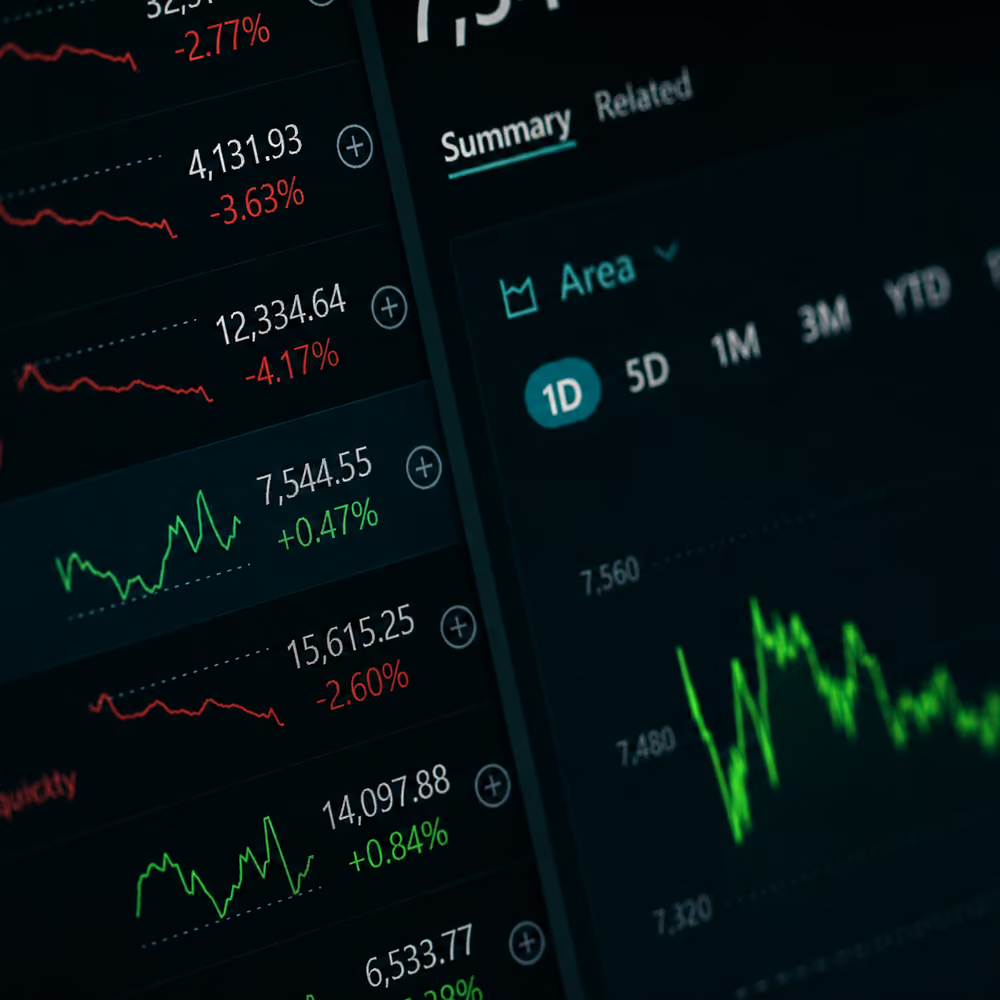
Financial dashboard showing stock prices, percentage changes, and charts with green and red trend lines.
Meta Trader 4

Frequently Asked Questions

Where can I find the download link for MT4 for Windows?

You can find the download link for MT4 in the GP Hub under the Platforms tab.

Where can I find the MT4 manual?

You can find the MT4 manual on the MQL5 documentation website.

Does Global Prime allow scalping and hedging?

Yes.

How do I login to my MT4 account?

Please follow the steps below to login:

  1. Click on "File" -> "Log in to trade account"
  2. Select the correct server (Global Prime-live or Global Prime-demo).
  3. Enter your login credentials that you received in the Global Prime email.
  4. Submit your details.

You are all set!

How do I reset my MT4 password?

Via MT4:

Once logged in your MT4, go to "Tools" and click on "Options". Select "Change password" under the "Server" tab. Then type in your current password, click "Change master password", create a new password and confirm.

Via Global Prime client portal:

  1. Go to "Account" and choose either Demo or Live.
  2. Click on the ‘Pen’ icon and then "Change account password".
  3. Type in your new password and submit changes.

You are all set up!

How do I install an Expert Advisor (EA)?

To add an Expert Advisor (EA), follow the next steps:

  1. Type in your new password and submit changes.
  2. Click on ‘Open Data Folder’ to bring up a new folder panel
  3. Select the ‘MQL4’ folder, followed by the ‘Experts’ file
  4. Drag and drop your EA file(s) into this folder
  5. Restart MetaTrader 4 for your changes to take effect

How do I change my leverage?

The easiest way to change leverage on your MT4/MT5 platform is through your Global Prime client portal.

1. Log in to your Global Prime account.
2. Go to the "Accounts" section of your "Secure Area" on your profile.
3. Click on the pencil icon next to your MT4/MT5 account number.
4. Select new leverage.5. Please note that only VFSC or Pro Clients can change their leverage. This option is not yet available for ‘Retail’ ASIC Clients.

Should you have any issues with changing your leverage, please reach out to support@globalprime.com.

How do I enable one-click trading?

Open your MT4 and go to "Tools" located on the upper right-hand side of your screen and click "Options". Then choose "Trade" and tick the "One-Click Trading" box to enable this option.

Trust Pilot Reviews

4.4/5

ForexPeaceArmy Reviews

4.7/5

Google Reviews

4.5

CFD Markets

Trade Global CFD Markets

Trade Over 250 Instruments from Around the World.

Dark digital Earth showing Africa, Europe, Asia with glowing yellow data points and candlestick charts.
Platforms

Choose Your Trading Platform

Trade on our powerful and secure platforms, including MetaTrader 5 across desktop and mobile.

Refer a Friend

Refer a friend and choose your reward: a one-off bonus or reduced commissions on your trades.

Refer a Friend
Partner With Us

Partner with a Trusted Global Broker

Start Trading In Minutes. Opening a trading account with Global Prime is easy and fast.

Get Started

Ready to
Start Trading?

Back yourself with a #1 Rated Broker*

Dark background with transparent glass-like rectangles highlighted with soft yellow edges.

Fund your account with over 20+ instant deposit methods. AUD, CAD, EUR, GBP, JPY, SGD or USD - save on conversions!

Trading derivatives carries a high level of risk to your capital and you should only trade with money you can afford to lose. Any Information or advice contained on this website is general in nature and has been prepared without taking into account your objectives, financial situation or needs. Past performance of any product described on this website is not a reliable indication of future performance. You should consider whether you’re part of our target market by reviewing our Target Market Determination, and read our PDS and other legal documents  to ensure you fully understand the risks before you make any trading decisions. We encourage you to seek independent advice if necessary. Global Prime is not able to take clients from Afghanistan, Congo, Iran, Iraq, Myanmar, New Zealand, North Korea, Palestine, Russia, Somalia, Sudan, Syria, Ukraine, Ontario, Yemen, Japan or the United States or its territories. The information on this website is not intended to be an inducement, offer or solicitation to any person in any country or jurisdiction where such distribution or use would be contrary to local law or regulation. Global Prime is a trading name of FMGP Trading Group Pty Ltd (ABN 74 146 086 017) and is regulated in Australia under Australian Financial Services License No. 385620.

© Copyright year FMGP Trading Group Pty Ltd Level 10, 627 Chapel St, South Yarra 3141 Australia. All trademarks, service marks, trade names, trade dress, product names and logos appearing on the site are the property of their respective owners.
*Based on a May 2025 survey by forexpeacearmy.com among brokers with at least 100 reviews. Find more information about ratings and reviews here.
^Awarded “Best Execution Broker 2025” by TradeProofer unparalleled trade execution, transparency, and client-focused service.